

Know what was done
Find the jobs and loads completed, which drivers carried them out, the materials recorded and the quantities moved. Answer a customer while the job details are still at hand.
BUILT FOR TIPPER OPERATORS
Tipper360 is software for tipper and construction haulage operators, connecting jobs, loads, drivers and the office. Send work out or let drivers start their own jobs, manage repeated loads and subcontractors, and handle changes as they happen. See what material has moved on each job or project, with completed dockets and records ready for customers and accounts.
Drivers do the jobs. The office sees what's happening. The records are already there afterwards.
WHO IT IS FOR
One system for construction materials and waste — aggregate deliveries in, earthworks and site-clearance loads out, with every job connected from the cab to the completed office record.
Earthworks or site clearance? See how repeated tipper loads work →
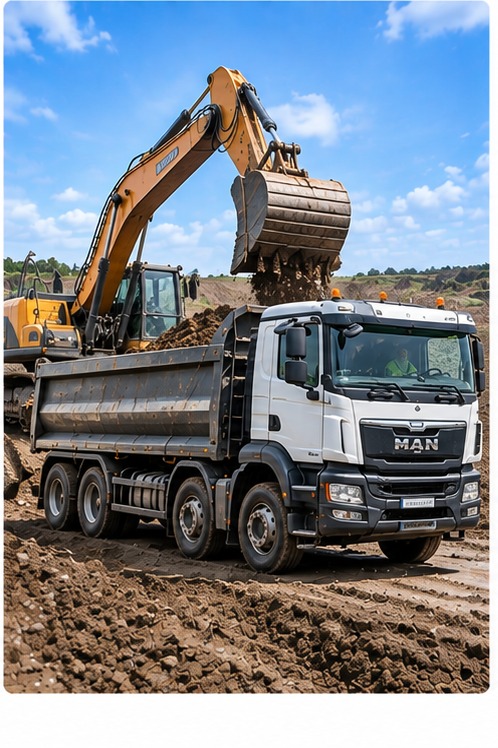 Tipper & muck-away / C&DManage collections and disposal, with every load, location, photo and delivery record kept together.
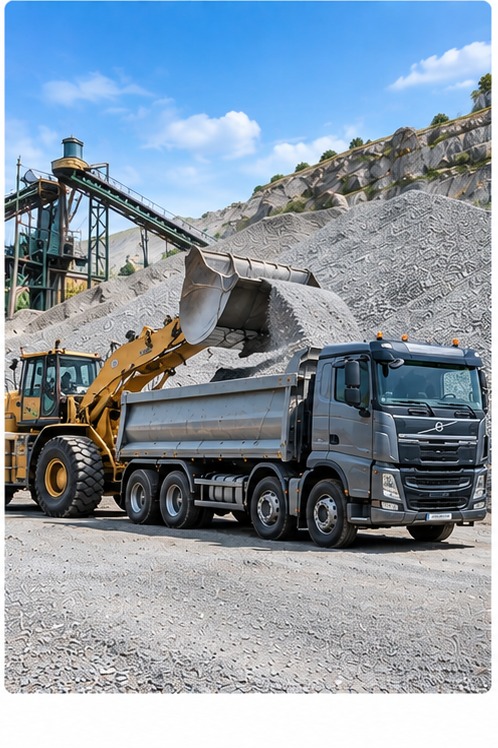 Aggregates & quarriesKeep collections, loads and deliveries connected from the quarry to the customer or job.
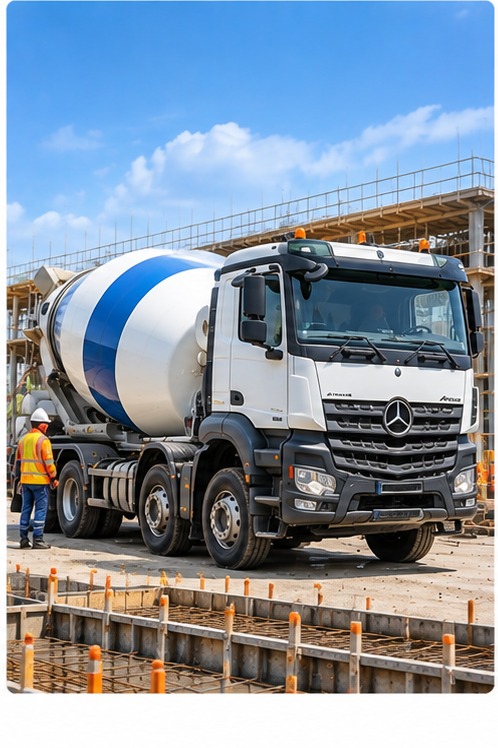 Ready-mixKeep each concrete delivery connected from plant to site, including times, delivery details and sign-off.
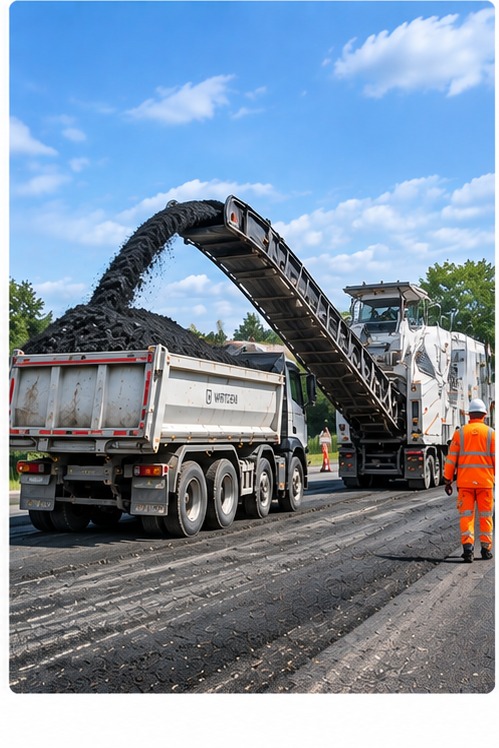 Asphalt & planingsRecord deliveries and movements of planings, with loads, quantities, destinations and proof kept together.
Built through years of deliveries, collections, muck-away and site-clearance work.
Company drivers and subcontractors can record loads against the same jobs and projects.
Built around construction operations across both markets.
Loads in. Loads out. Deliveries, collections and site clearance — with the truck and office connected throughout.
The office can send out jobs or assign drivers to a longer-running project. Drivers see the work that applies to them, record each load and keep the office informed as the day progresses.


Receive work from the office or, when authorised, create a job in the app. Record the material and quantity, complete repeated loads and capture the details needed for each job.
See scheduled, active and completed jobs; check quantities against project requirements; involve subcontractors; and handle diversions or other changes through job-related live chat.
MORE WORK. LESS ADMIN.
From one-off deliveries to projects lasting months, Tipper360 keeps jobs, materials and loads together. Drivers record work as it happens. The office sees what has been delivered against the plan and has the records ready for customers and accounts — without more paperwork as the business grows.
Explore all Tipper360 features →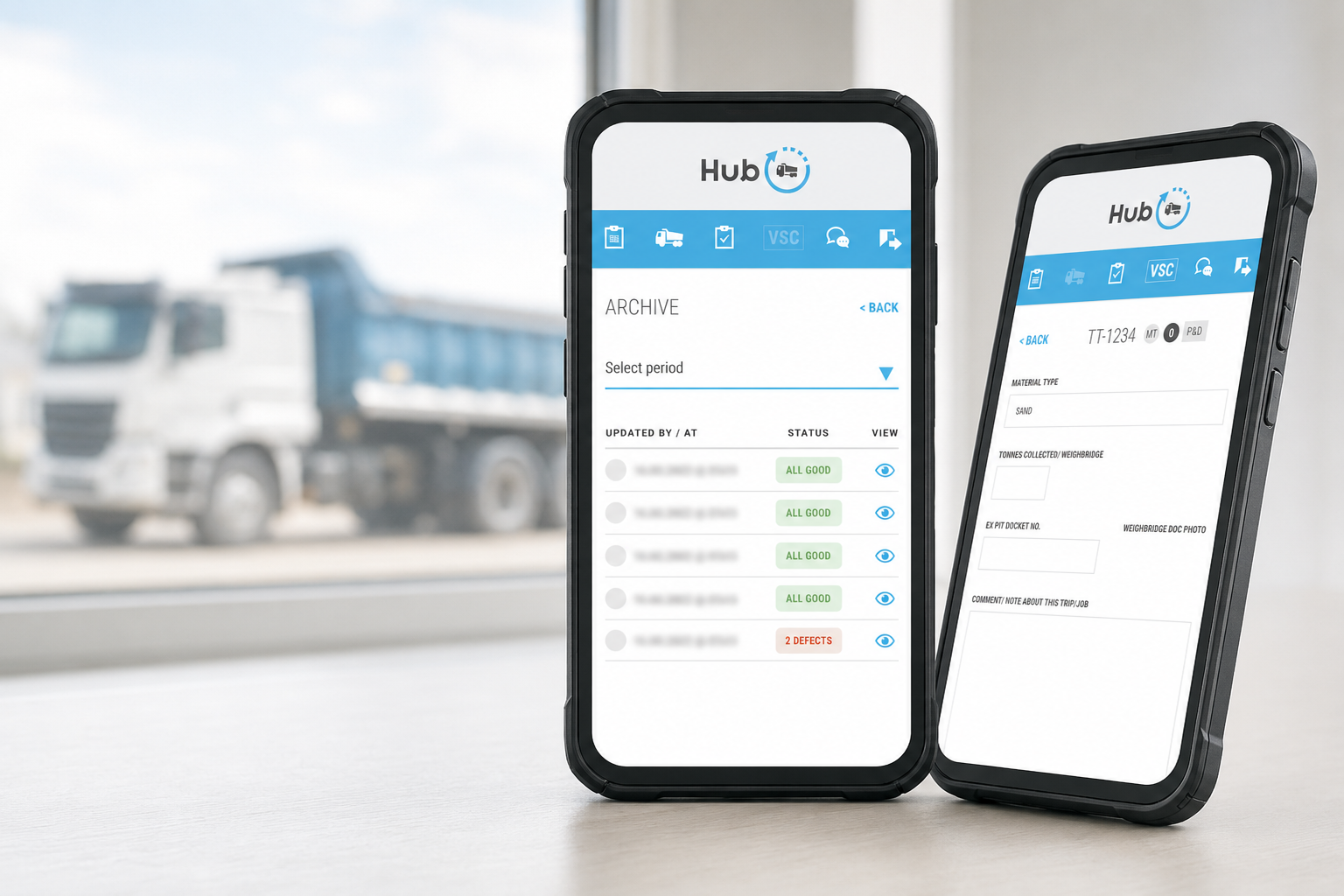
FOR UK WASTE DELIVERIES
Some waste facilities are asking tipper operators to provide load information digitally. Tipper360 helps drivers capture the job and load details as they work, so your office has the records ready when needed. Check what information and format your receiving facility requires.
What to do when a waste facility asks for digital dockets →
With Tipper360, the answer doesn't depend on ringing drivers, finding paperwork or asking someone in the office. Jobs, trucks, drivers and completed loads are together in one place.
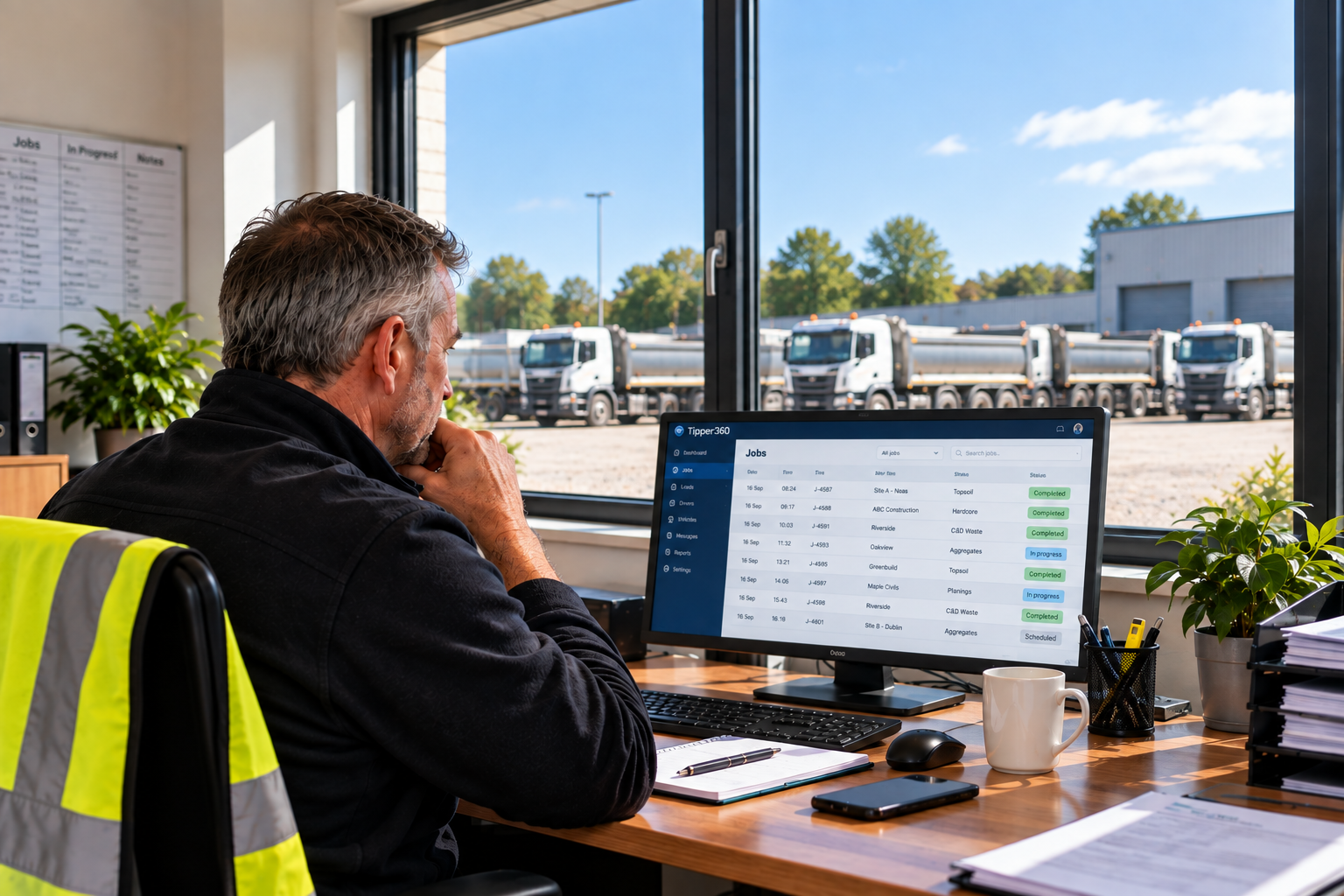
Know what was done, deal with changes while the work is happening, and have the completed information ready when customers or accounts need it.
Find the jobs and loads completed, which drivers carried them out, the materials recorded and the quantities moved. Answer a customer while the job details are still at hand.
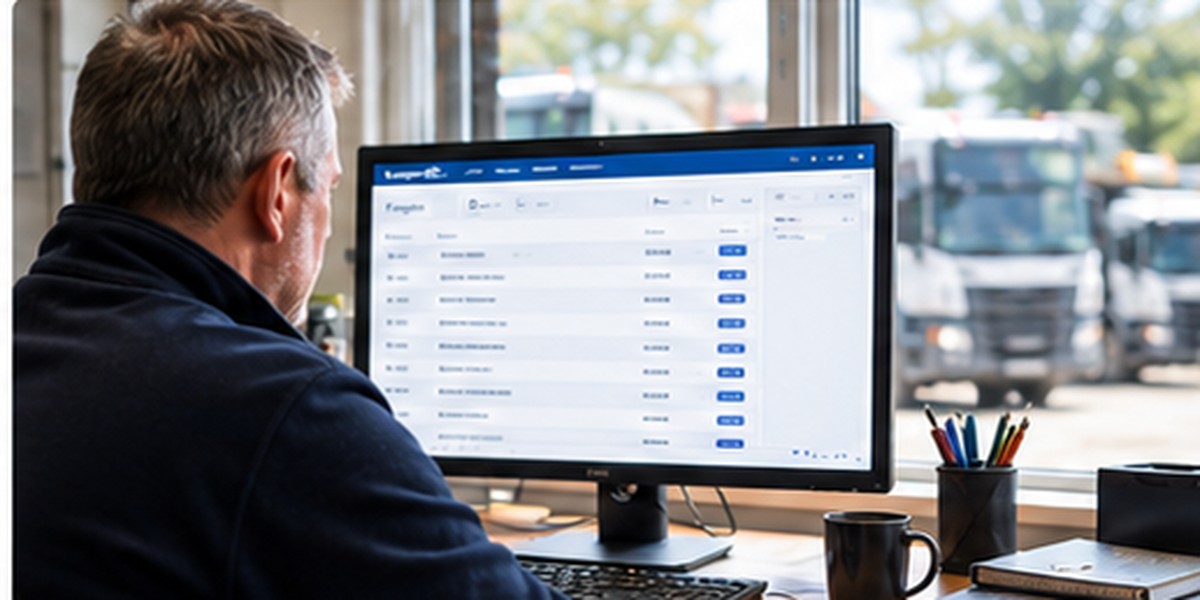
Keep in touch through job-related live chat, deal with a change of destination or a load that cannot be tipped, and involve your own drivers or subcontractors as required.

Find completed quantities, ticket references, photos, signatures and PODs. Check the work done against the job and prepare the supporting information for invoicing or customer queries.
Long-term delivery operations, live roadworks and day-to-day material movements — real examples of Tipper360 being used in the work it was built for.
Also read: N&C Enterprises — aggregate delivery and soil-recovery records →
Company and third-party drivers have used our technology in day-to-day building-material deliveries across Ireland and the UK.
Read the customer story →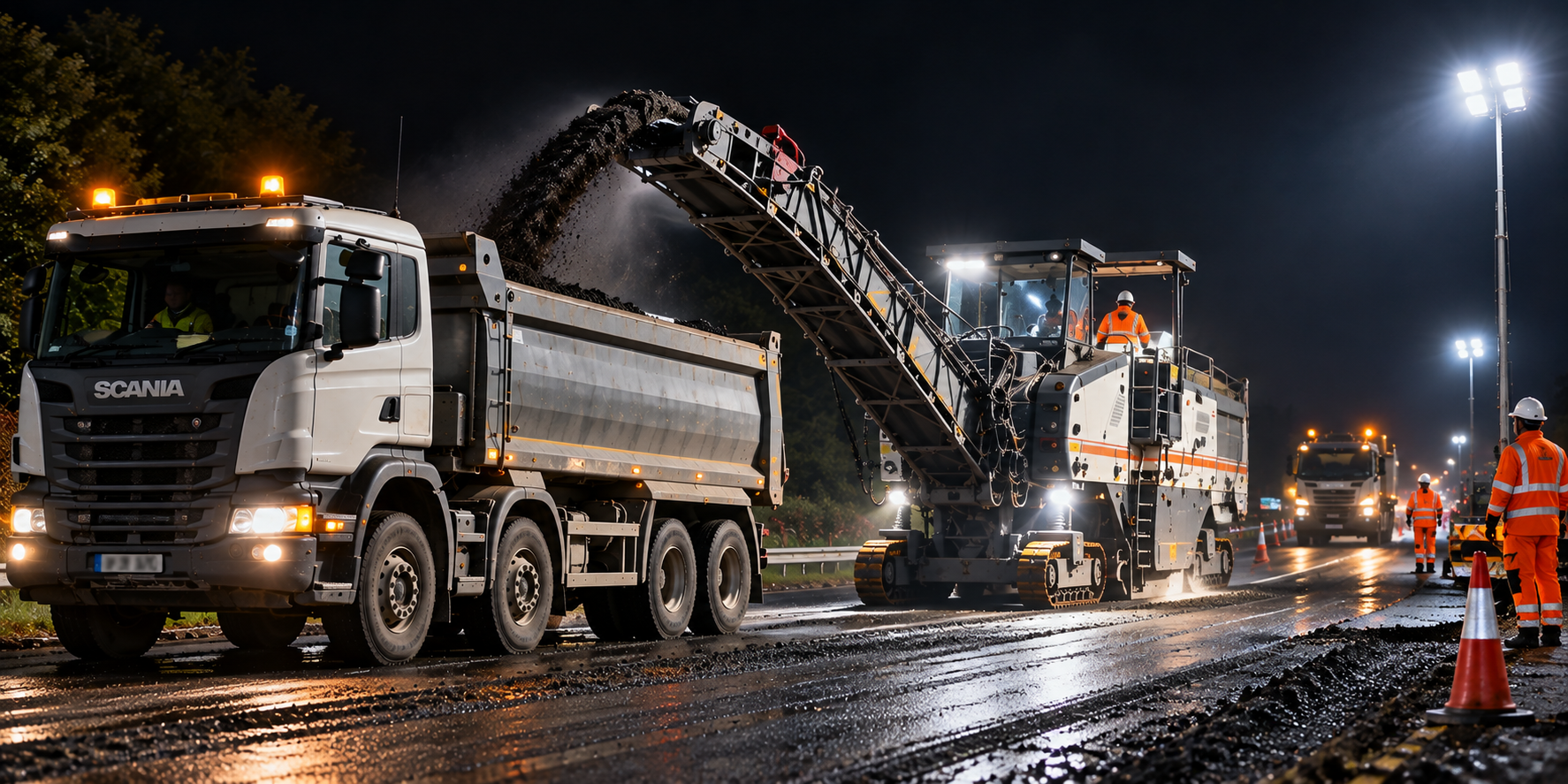
Tipper360 recorded road-planings movements from live N2 works, providing the traceability needed to support the Article 27 reuse process.
“The reuse would not have been possible without the traceability.”Read the customer story →

MOYGLARE SAND & GRAVEL
Four people at Moyglare explain what moving beyond paper looked like in practice — from initial driver resistance to delivery information reaching the office without waiting for dockets to return.
See all four perspectives →Read the Moyglare Sand & Gravel customer story →Getting started
We help get your operation set up, show your drivers and office how Tipper360 works, and support the team as you start using it on real jobs.
See how we get you started →STRAIGHT ANSWERS
Moyglare founder Christy O’Neill says some of his drivers had been there for more than 20 years and the change was a struggle at first. They came on board — and he says if he told them they were going back to dockets, they’d tell him no.
The app keeps working offline. When the phone has a connection again, the job information is sent through.
No. The office can send the job to the driver, or the driver can create the job themselves when that suits the work.
Yes. Give work to your own drivers or subcontractors. For occasional subcontractors, the demonstrated temporary PIN workflow lets them record a particular load without setting up a full regular driver account.
No. You can start with the part of the operation that makes sense, get drivers and the office comfortable with it, and expand from there.
SEE IT ON YOUR JOBS
Leave your details and we'll arrange a practical look at your type of jobs — repeated loads, a changing delivery or a longer project. Or message us on WhatsApp.
Prefer WhatsApp? Message usShow us the type of work you do and we'll show you what the driver does, what the office sees and how Tipper360 would fit your operation.
SEE TIPPER360 ON YOUR JOBSPractical advice on choosing tipper and muck-away software, managing aggregate deliveries and understanding UK waste records.